


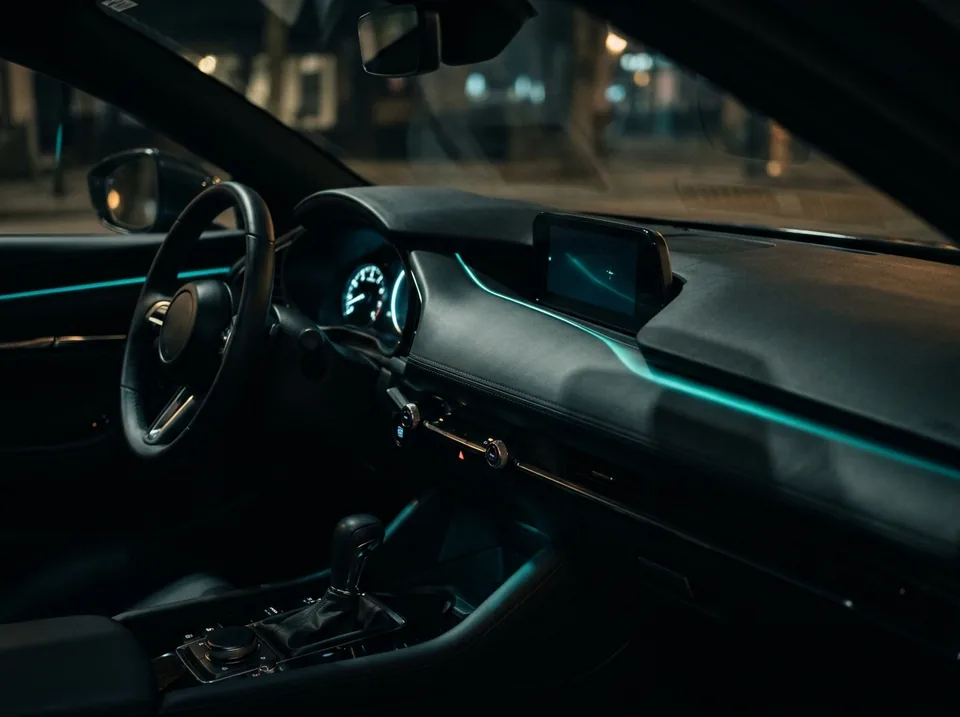
A welcome at key-on
A line of light writes your car's make, the car rolls in, the lamps blink twice and the gauge sweeps. Never replayed when you come back from the reverse camera.
Turn the key and it's there on the screen: your model, in your colour, lamps blinking hello. Then it drives with you: wheels turning at your speed, through the town you're in, with your song and the next turn right beside it.

The simulator
Scroll to get in

Every part of the screen answers to the road: your speed, the weather where you are, the turn coming up and the song that's playing.

A line of light writes your car's make, the car rolls in, the lamps blink twice and the gauge sweeps. Never replayed when you come back from the reverse camera.
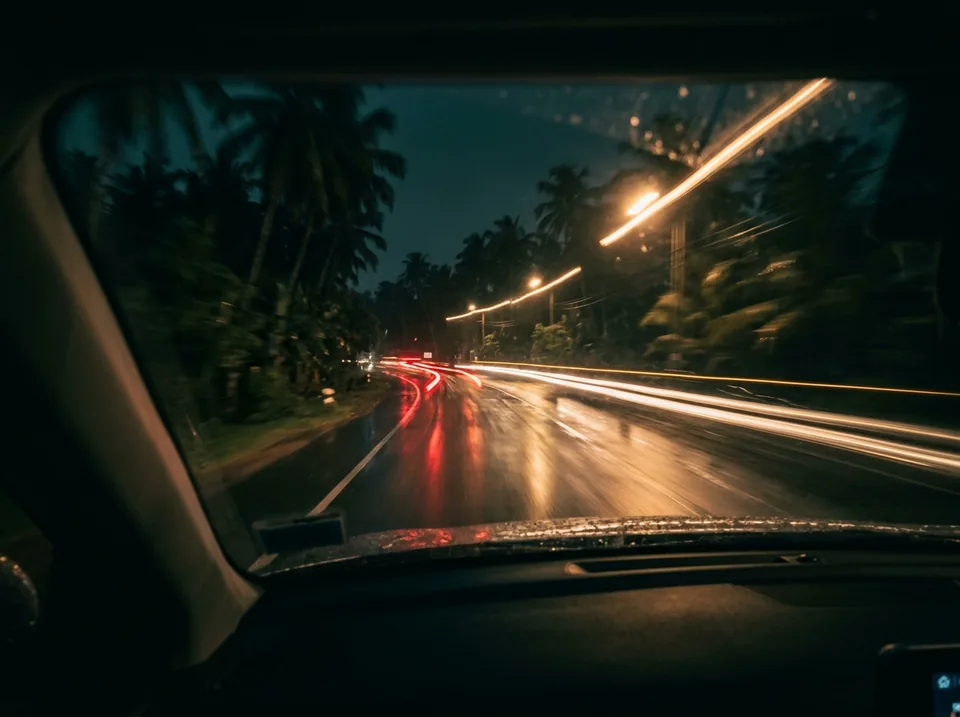
Wheels, lane paint, lamps and palms follow your real speed from GPS. The car squats as you pull away and dips when you brake. Rain falls when it's raining where you are.
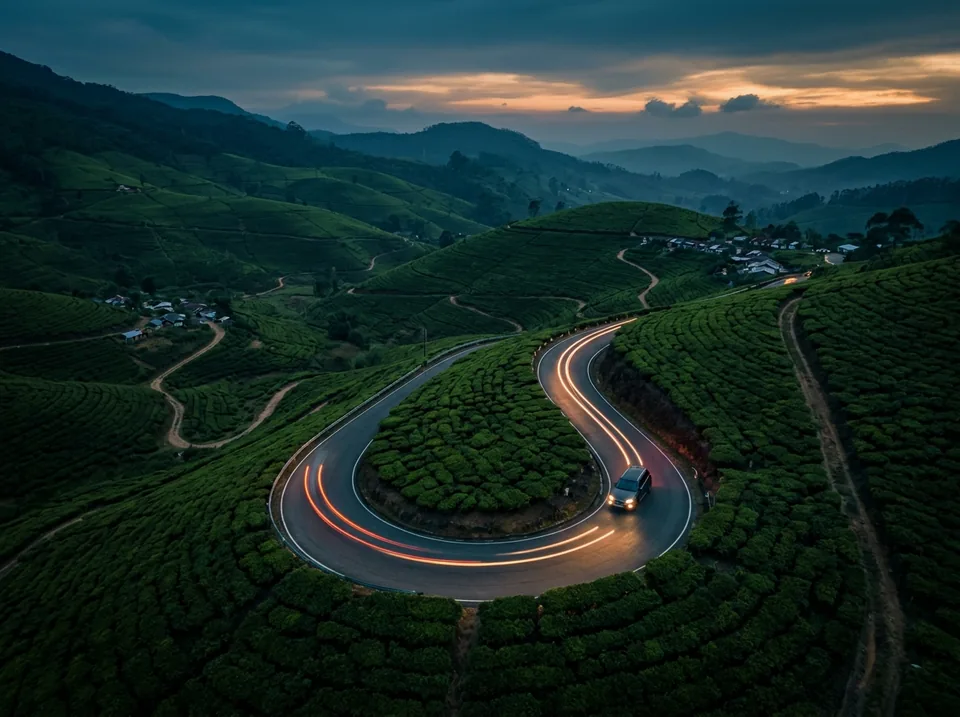
Turn, distance and street from Google Maps, Waze, HERE or Sygic, right on the home screen.
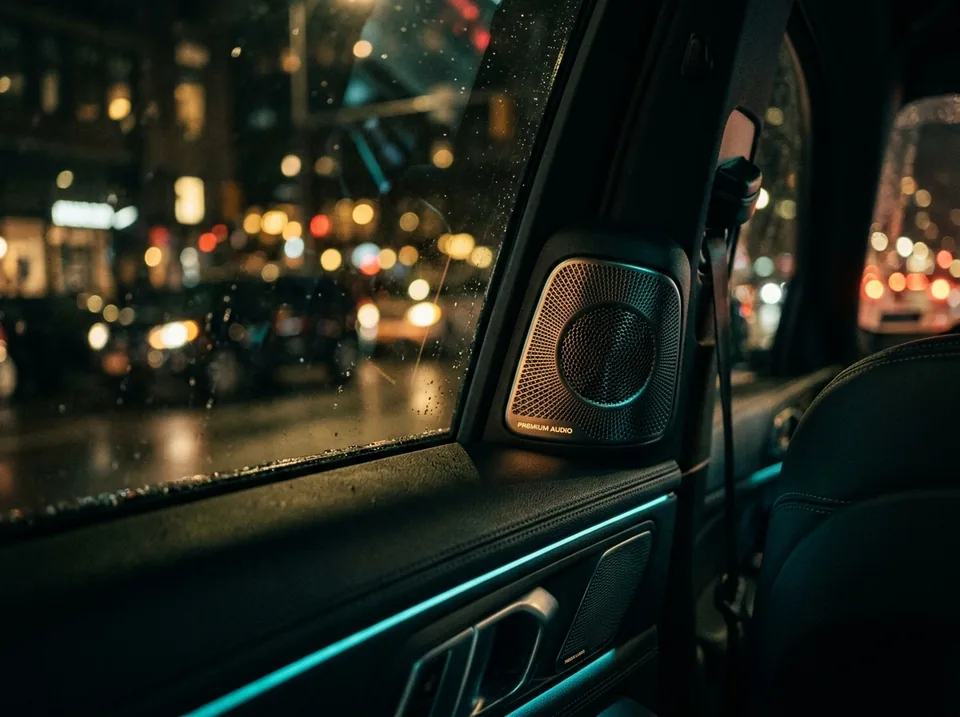
Song, artist and album art from the player you use, with skip and pause.
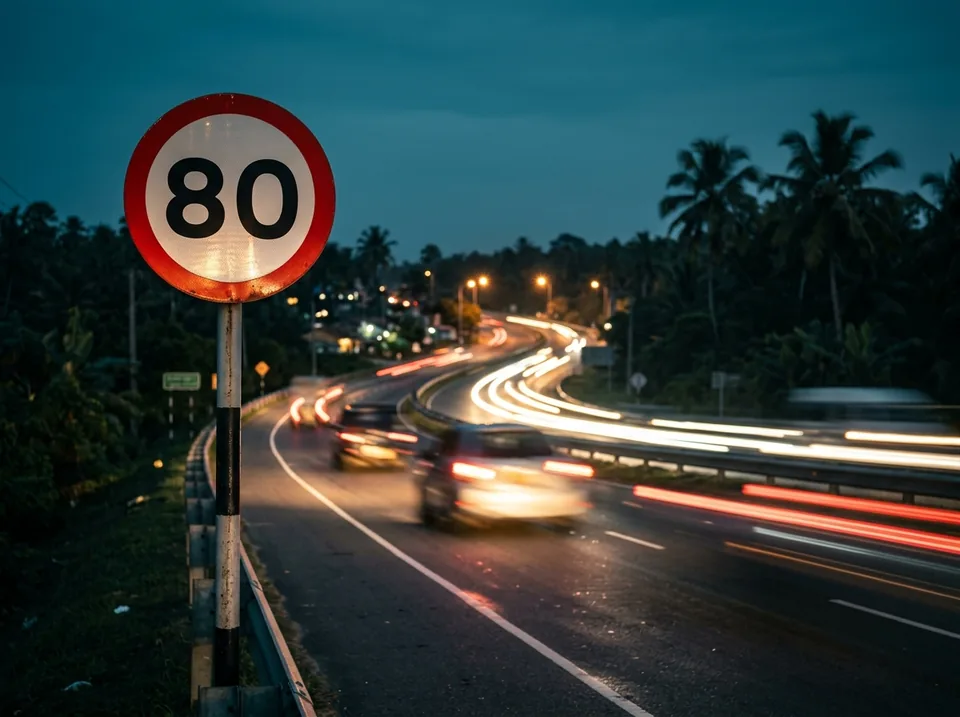
Pick a limit from 50 to 120 km/h. Go over and you hear one chime, even while Maps is on screen.
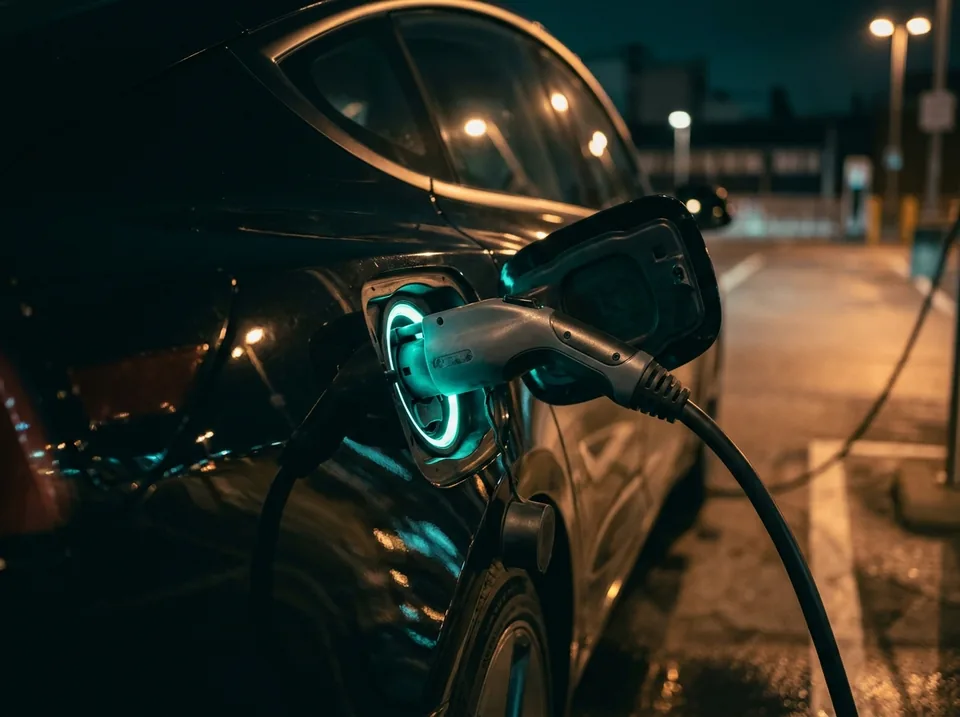
Ready, Assist, Cruise and Charge, with pulses along the sill. EVs show Power and Regen. Worked out from GPS, since a car player can't read the engine.
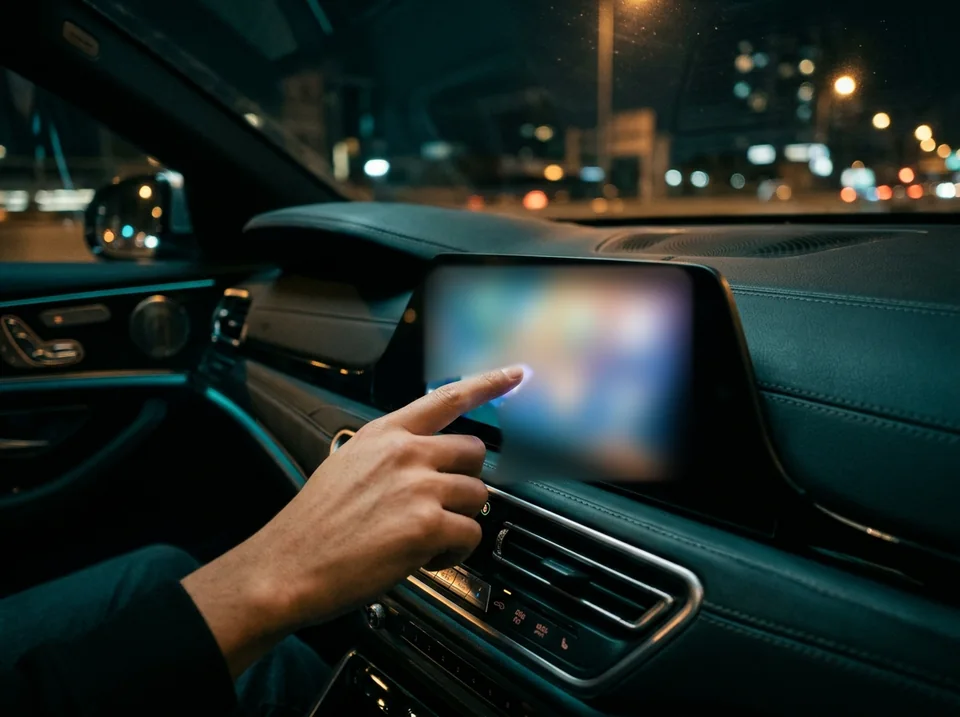
Navigation, music, video, phone, radio, Bluetooth and all apps. Hold a button to choose what it opens.
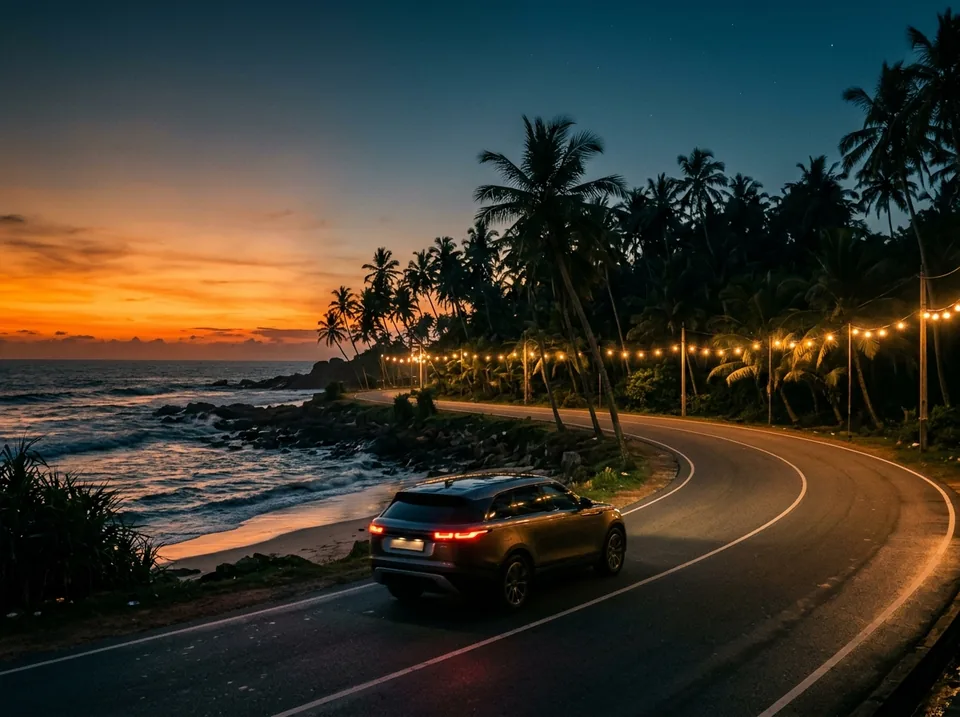
Auto switches at your local sunrise and sunset. Choose dark, night or white looks.
Read the full guideInstalling, every setting, and what to do if something isn't working.
Choose from 37 makes and more than 400 models, from an Alto to a KDH or a Land Cruiser. Popular models use real photographs. Every other car is drawn in your exact colour and moves just the same.
Yes. 402 models from 37 makes are ready to pick at setup, from the Alto to the KDH. If yours isn't listed, type in the make and model, and DriveDeck draws its shape in your exact colour.
Photoa real picture of the modelDrawnyour body style, in your colour
Loading the car list
DriveDeck follows your GPS to the nearest of 28 places across the island, fades into its picture and shows the name beside the clock. Drive from Colombo to Ella and the background changes with you.

Tap a town to see it. Map data: geoBoundaries (ODbL).
Most car players are low-cost Android units with 1 or 2 GB of memory. DriveDeck is plain Android with no heavy libraries, so it stays smooth where other launchers stutter.
DriveDeck Studio
Put your own car on the road, choose the background, move and resize every card, pick an icon pack, a clock and your colours, and add your name or logo. It is free to design, in your browser. Your own APK from a design, with your activation code, is coming soon.
The weather lookup sends a location rounded to about 100 metres, with nothing that identifies you. Read the privacy policy
One activation code unlocks DriveDeck Pro on your player for good. No subscription and no account. Not sure yet? Try the simulator with your own town and car.
DriveDeck Pro
The full app for one car player
Save Rs 1,000
Rs 1,500
Rs500
Paid once for an activation code. No subscription.
Codes are also sold by DriveDeck dealers.
Prefer Google Play? Buy it there with your Google account. Updates install by themselves, and your player needs the Play Store.
Copy it to the player with a USB stick, LocalSend or Google Drive, and open it. If Play Protect warns you, choose to install anyway.
Make, model, then colour. You can change it any time in Settings.
Press Home, choose DriveDeck, then Always. Some players keep this under Settings, Apps, Default apps.
Location for speed, trip and weather. Notification access, from the music card, for song titles and turns.
Read the full guideInstalling, every setting, and what to do if something isn't working.
If it runs Android 7 or newer and has a landscape screen, almost certainly. Players with 1 GB of memory get Light mode automatically. Try the simulator on this page first, or message us about your player before you buy.
Type your make and model in. DriveDeck draws your body style in your exact colour. You can also use a photo of your own car, or have AI Studio paint it.
No. Speed, trip, music, turns and the animation all work offline. The weather needs internet, and DriveDeck Pro needs it once to activate. A phone hotspot is fine.
No. A car player isn't connected to the engine, so drive modes and the eco colour are worked out from how your speed changes on GPS. They're an estimate.
Allow location for DriveDeck in Android settings. For song titles and next turns, turn on notification access from the music card.
Send us your activation code. We'll reset it so it works on your new player.
No. DriveDeck isn't made by or connected with any car maker. Make and model names are used only so you can say which car is yours, and no maker's logo is ever shown.
Ask about your player before you buy, or get help setting up. We usually answer the same day.
